Files, formats and MCP
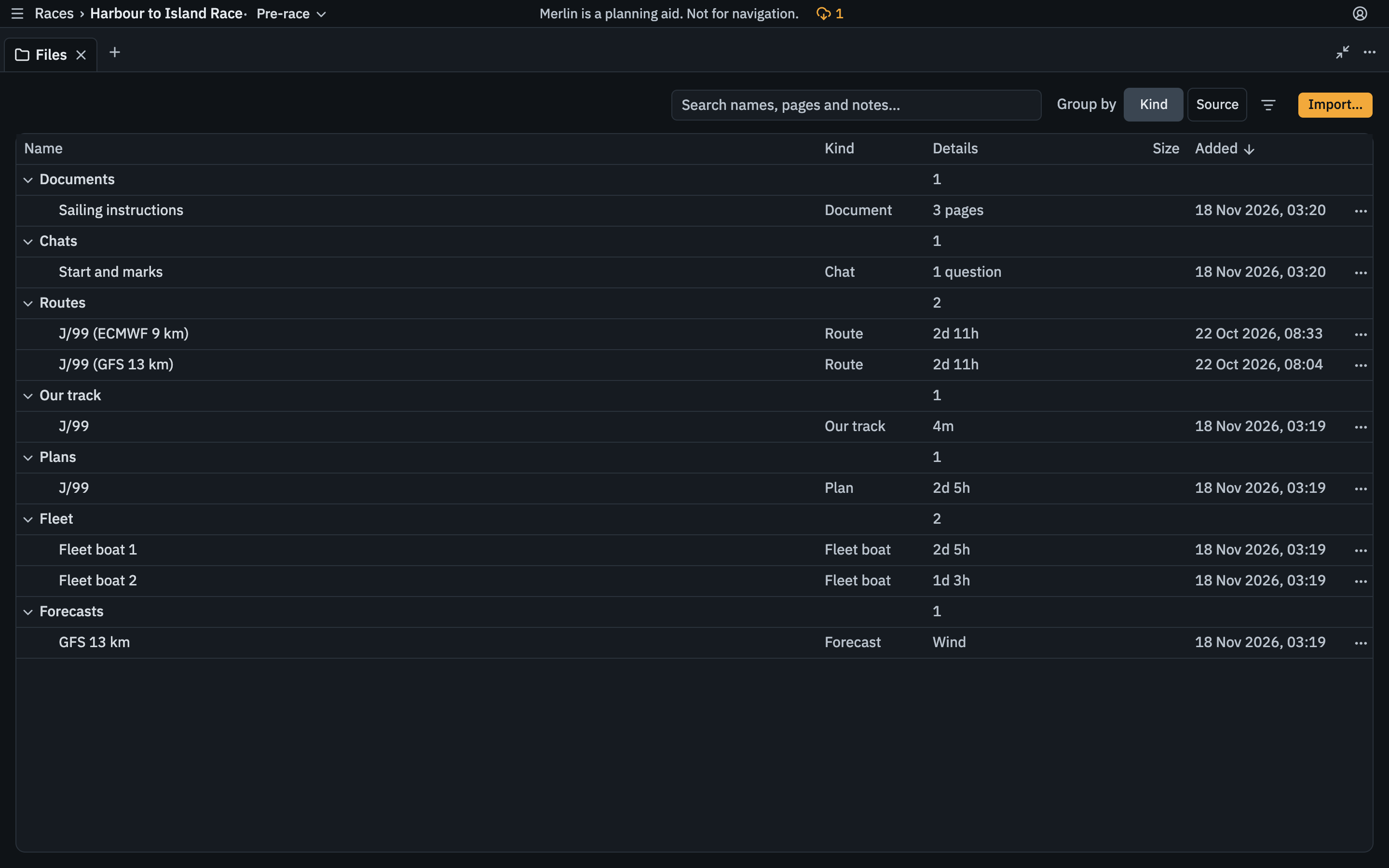
Merlin starts from the files you already keep and works with the AI assistant you already use. Everything you bring in joins the same race, and the same plan.
Imports
Merlin fetches its own forecasts. You can add these by file or link:
- Expedition logs and routes
- GPX tracks
- CYCA and YB tracker links
- PDFs: notices of race, sailing instructions and amendments
- GRIB files, including from a paid service. Each run in the file becomes its own forecast.
- Polars: an ORC certificate (CSV or RMS JSON), an Expedition polar or a TWA by TWS grid. No PDF polars.
- Tracks from your other races in Merlin
Exports
Routes export as GPX and Expedition CSV.
MCP
Merlin runs a Model Context Protocol (MCP) server, so Claude, ChatGPT or another MCP client can work on your race. It uses the same tools as the Merlin app: an assistant can pull the forecast, run a route and update the race, and the change shows up in the plan.